
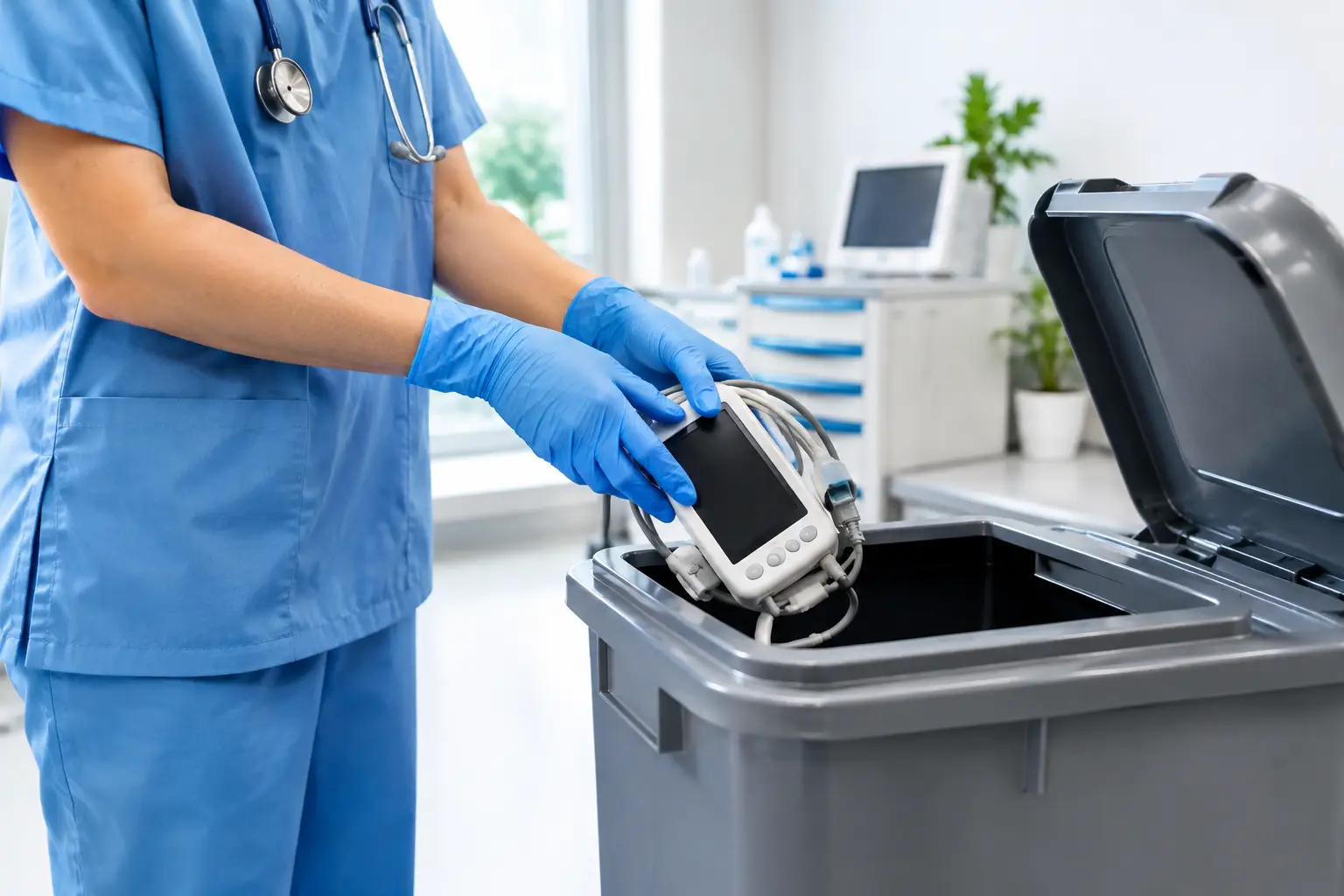
A retired reception computer can hold years of appointment schedules, scanned forms, insurance details, and staff records. That is why medical clinic device disposal is not the same as clearing out ordinary office junk. Before any computer, server, phone, printer, or storage drive leaves the clinic, the team needs to know who handled it, how its data was removed, and where it will go next.
For small clinics, the risk is easy to underestimate. Old equipment often sits in a storeroom because staff are busy, the device still seems useful, or nobody wants to take responsibility for it. But equipment does not become harmless just because it no longer powers on. A damaged laptop, failed desktop, or outdated server may still contain readable information.
Why medical clinics need a different disposal process
Clinics handle information that patients expect to remain private. Even a basic front-desk workstation may contain patient names, contact details, appointment history, billing information, referral documents, and login credentials. Clinical systems, imaging workstations, and shared office devices can hold even more sensitive data.
Deleting files is not a dependable disposal method. Files can remain on a hard drive after deletion, and a simple factory reset may not remove data from every storage area. The same concern applies to phones, tablets, network-attached storage, backup drives, and multifunction printers with internal memory.
There is also a practical issue: medical equipment and IT equipment are often replaced in batches. When a clinic upgrades several PCs, monitors, routers, and printers at once, staff need a controlled way to move bulky items without disrupting patient care. A scheduled pickup is usually safer and more manageable than asking employees to transport devices individually or leaving them with an informal scrap collector.
Start with an asset check before devices leave
The best time to control disposal is before pickup day. A simple asset check gives the clinic a clear picture of what is being released and prevents useful or sensitive equipment from disappearing into a mixed pile.
For a small office, this can be a spreadsheet listing the device type, brand or model, serial number if available, assigned user or department, and whether it contains internal storage. For a larger clinic, the list may also include asset tags, condition, and the required data-handling method.
This step does not need to become an administrative burden. The goal is to establish accountability. If a manager later asks what happened to an old server or a doctor asks whether a former laptop was wiped, the clinic should have a record of the item and its collection.
Identify devices that may store data
Computers and laptops are obvious, but they are not the only concern. Servers, external drives, USB devices, tablets, smartphones, network hardware, and certain printers can retain information. Some photocopiers and multifunction printers have hard drives that store scanned documents or print jobs.
When unsure, treat the device as data-bearing until a qualified provider confirms otherwise. This cautious approach is particularly useful for older equipment, where the original specifications may no longer be readily available.
Choose the right data-removal method
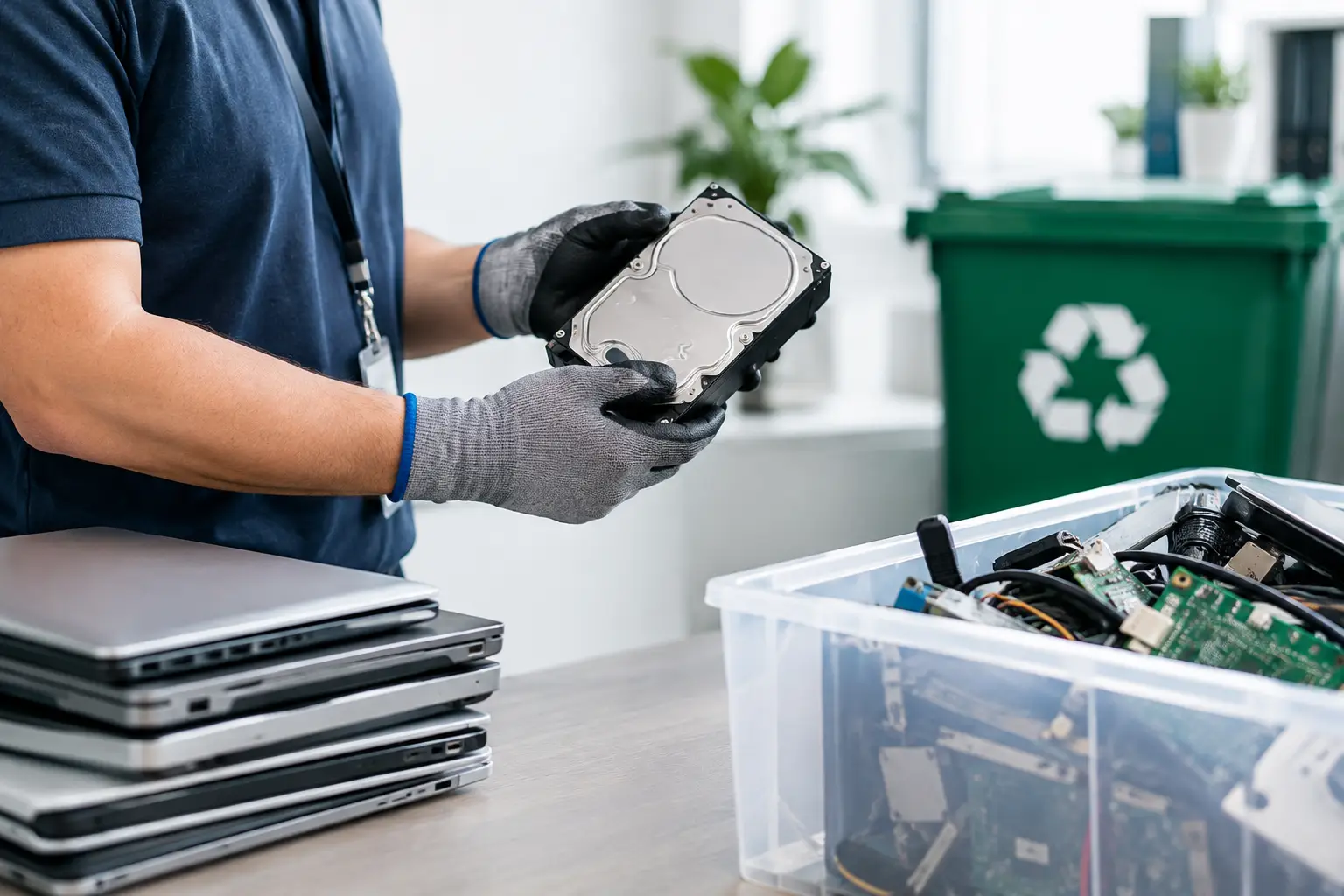
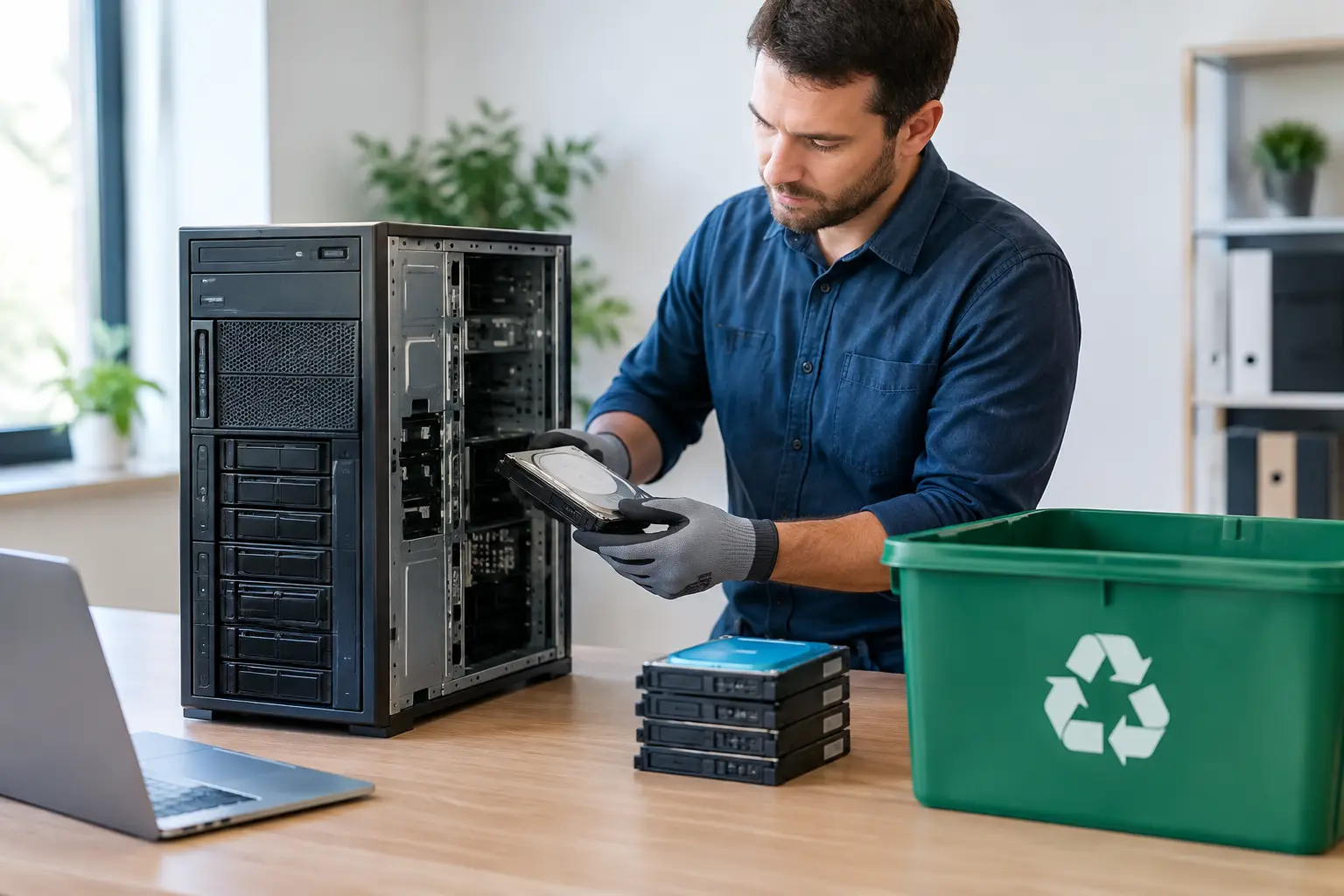
The appropriate method depends on the device, its condition, and whether it will be reused or recycled. A working drive that remains intact may be securely wiped so the equipment can move into the next stage of responsible processing. A failed or inaccessible drive may require physical destruction support instead.
For devices suitable for wiping, a recognized multi-pass method such as DoD 5220.22-M 3-pass data wiping provides a more defensible process than basic deletion. The provider should be able to explain what is wiped, how the result is verified, and what documentation is available.
Physical destruction can be the better choice when a drive is damaged, cannot be accessed, or contains information the clinic does not want to risk recovering. The trade-off is straightforward: wiping can preserve a device or drive for reuse where appropriate, while destruction provides a final outcome for storage media that cannot be reliably sanitized. The right choice depends on the device condition and the clinic’s internal data policy.
Do not overlook accounts and access. Before a device is released, remove it from device-management platforms where applicable, sign out of cloud services, revoke saved sessions, and change credentials that may have been stored locally. Data sanitization handles the information on the device; account cleanup reduces the risk of continued access after it is gone.
What responsible medical clinic device disposal looks like
A trustworthy process has a clear chain of handling from pickup to downstream recycling. It should not feel like a truck arrives, takes everything away, and leaves the clinic guessing.
A practical process usually includes these stages:
- Confirm the devices for collection and identify assets that contain storage media.
- Arrange a pickup time that works around clinic operations and patient traffic.
- Handle equipment carefully during removal, especially servers, desktop towers, monitors, and network units.
- Perform or coordinate the agreed data-wiping or drive-destruction process.
- Provide documented pickup records and, where arranged, asset verification or data-handling documentation.
- Send eligible electronics through licensed recycling channels for responsible downstream processing.
Documentation matters because it turns a verbal assurance into an operational record. A pickup record helps clinic managers close the loop internally, while asset verification can support IT teams that need to update inventories. For organizations with formal privacy, retention, or audit requirements, ask early what records are needed rather than trying to reconstruct the details after collection.
Keep e-waste out of ordinary trash streams
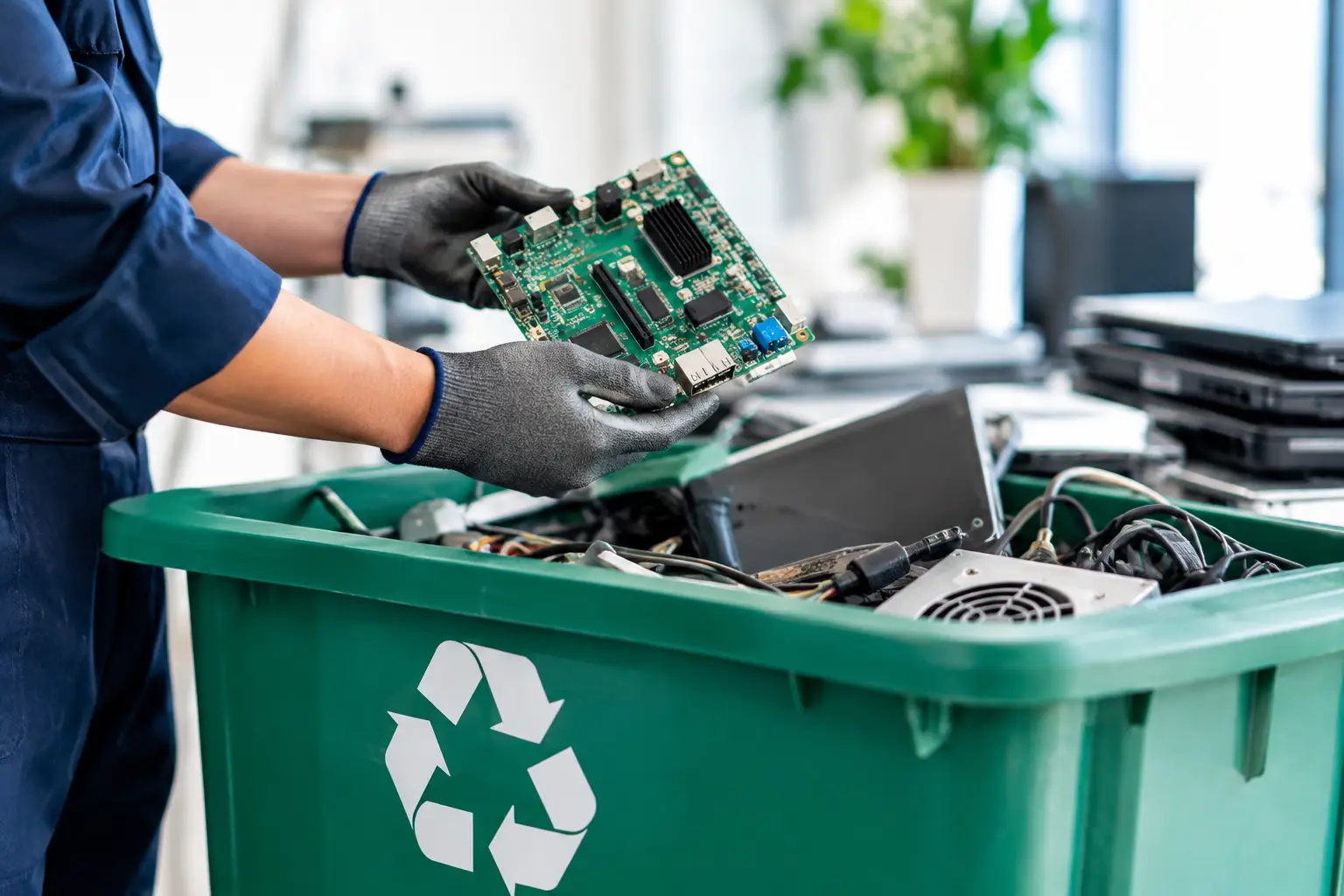
Electronics contain materials that should not be placed in general waste. Batteries, circuit boards, displays, cables, and power supplies need appropriate handling, and working equipment may contain parts that can be recovered or reused through approved channels.
Responsible recycling is more than a sustainability talking point for a clinic. It reduces the chance that discarded devices will be stripped, resold, or abandoned without proper controls. The disposal provider should have a defined downstream process rather than treating the collection as an untraceable scrap transaction.
That does not mean every item can or should be reused. Older monitors may have limited value, damaged devices may be unsuitable for refurbishment, and storage media may need a more restrictive path. What matters is that the decision is made with data protection and responsible processing in mind, not simply the fastest route out of the building.
Common mistakes that create unnecessary risk
The most common mistake is storing retired equipment indefinitely. A locked cabinet is better than an open hallway, but it is still only a temporary measure. Over time, equipment gets mixed with active stock, labels fall off, and staff turnover makes ownership unclear.
Another mistake is assuming that an informal collector will manage data correctly. Some collectors may remove valuable parts quickly, but a clinic needs more than an assurance that the devices will be recycled. It needs clarity on pickup, handling, data removal, and documentation.
Finally, avoid treating all equipment as identical. A monitor without storage presents a different risk from a server with multiple drives. Separating items by data risk allows the clinic to spend attention where it matters most without making a routine equipment refresh overly complicated.
Making pickup day easy for clinic staff
A little preparation keeps collection orderly. Set aside equipment in one accessible area where possible, keep patient-facing routes clear, and have the asset list ready for review. If devices are still in use, label them clearly so they are not collected by mistake.
For clinics in Kuala Lumpur and Selangor, MYPC2U can coordinate scheduled pickup for unwanted IT equipment and small electronics, with IT-aware handling, documented collection, and secure data-wiping support. This is particularly useful when clinic staff do not have the time or transport needed to move equipment themselves.
The goal is not to turn device disposal into a major project. It is to make the handoff controlled, traceable, and appropriate for equipment that may carry patient or business information.
When the next device replacement is planned, include disposal in the same conversation as purchasing and installation. A clinic that knows how old equipment will be collected, documented, and sanitized can replace technology with far less uncertainty – and keep its focus where it belongs: caring for patients.

Leave a Reply