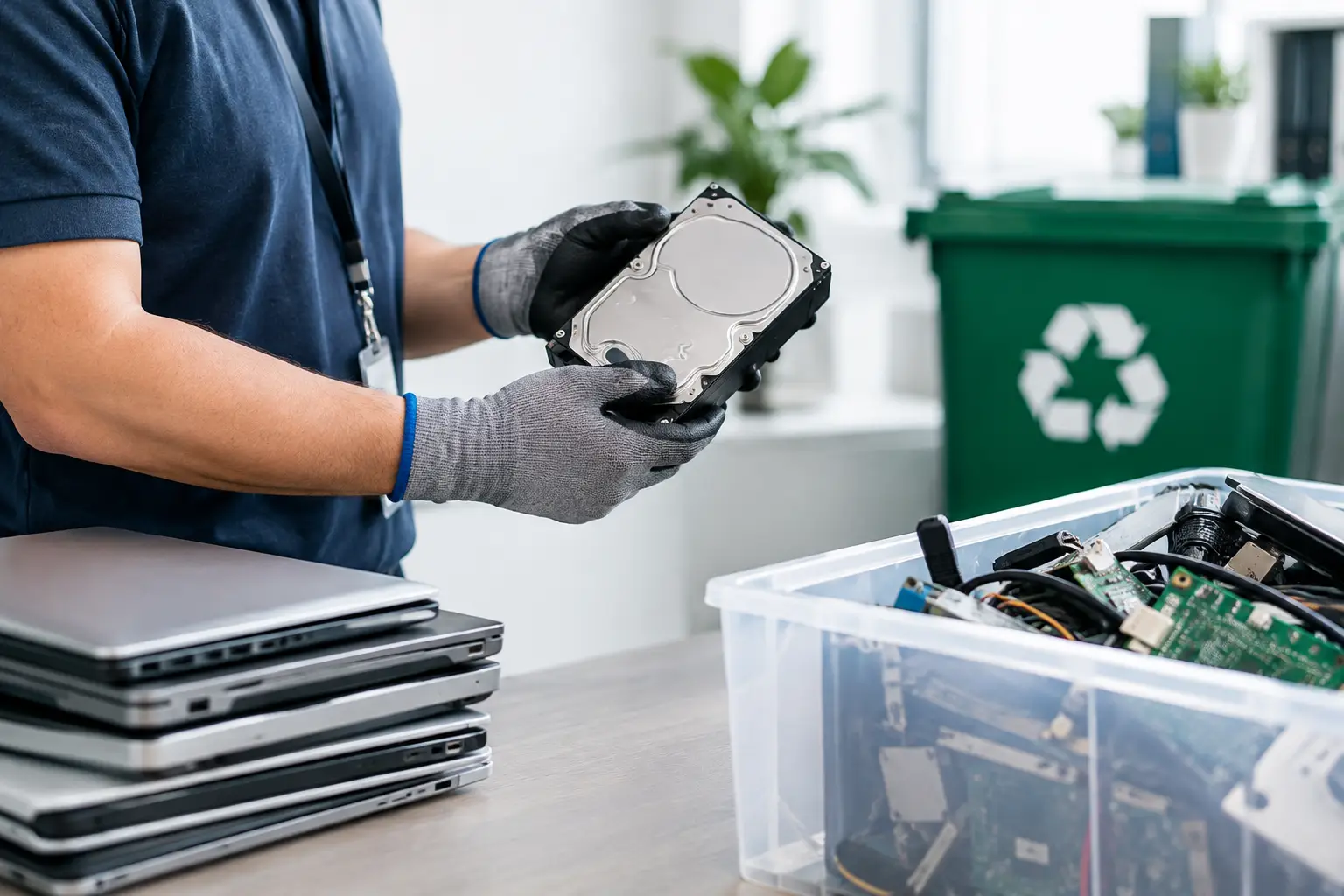
An old laptop in a storeroom may look harmless, but it can still hold saved passwords, customer files, tax records, employee details, or company emails. That is why a secure recycler service review should look beyond whether a provider will simply collect unwanted electronics. The real question is whether they can handle devices responsibly from pickup through data protection and downstream recycling.
For households, the concern may be personal photos and banking information. For businesses, it may involve client confidentiality, internal documents, or storage drives that were never removed from retired computers. A reliable electronics recycler should make the disposal process easier without asking you to take unnecessary risks.
What a secure recycler service should actually provide
Secure recycling is more than loading equipment into a truck. A professional service should have a clear process for receiving equipment, identifying what has been collected, protecting devices during transport, addressing data-bearing hardware, and coordinating responsible recycling.
The best fit depends on the equipment you have and the level of accountability you need. A household clearing out a few outdated phones may prioritize convenient pickup and straightforward guidance. An office replacing workstations or clearing a server room may need asset verification, documented collection records, and a defined approach to data wiping or drive destruction support.
A recycler does not need to make the process complicated. In fact, clarity is usually a good sign. You should be able to ask what happens to your devices and receive a direct, practical answer.
Secure recycler service review: the checks that matter
1. Data security is explained in plain language
The most significant difference between a secure IT disposal provider and an informal collector is how they approach stored data. Computers, laptops, servers, external drives, network equipment, phones, and multifunction office devices can all retain information. Even equipment that no longer powers on may contain a usable drive.
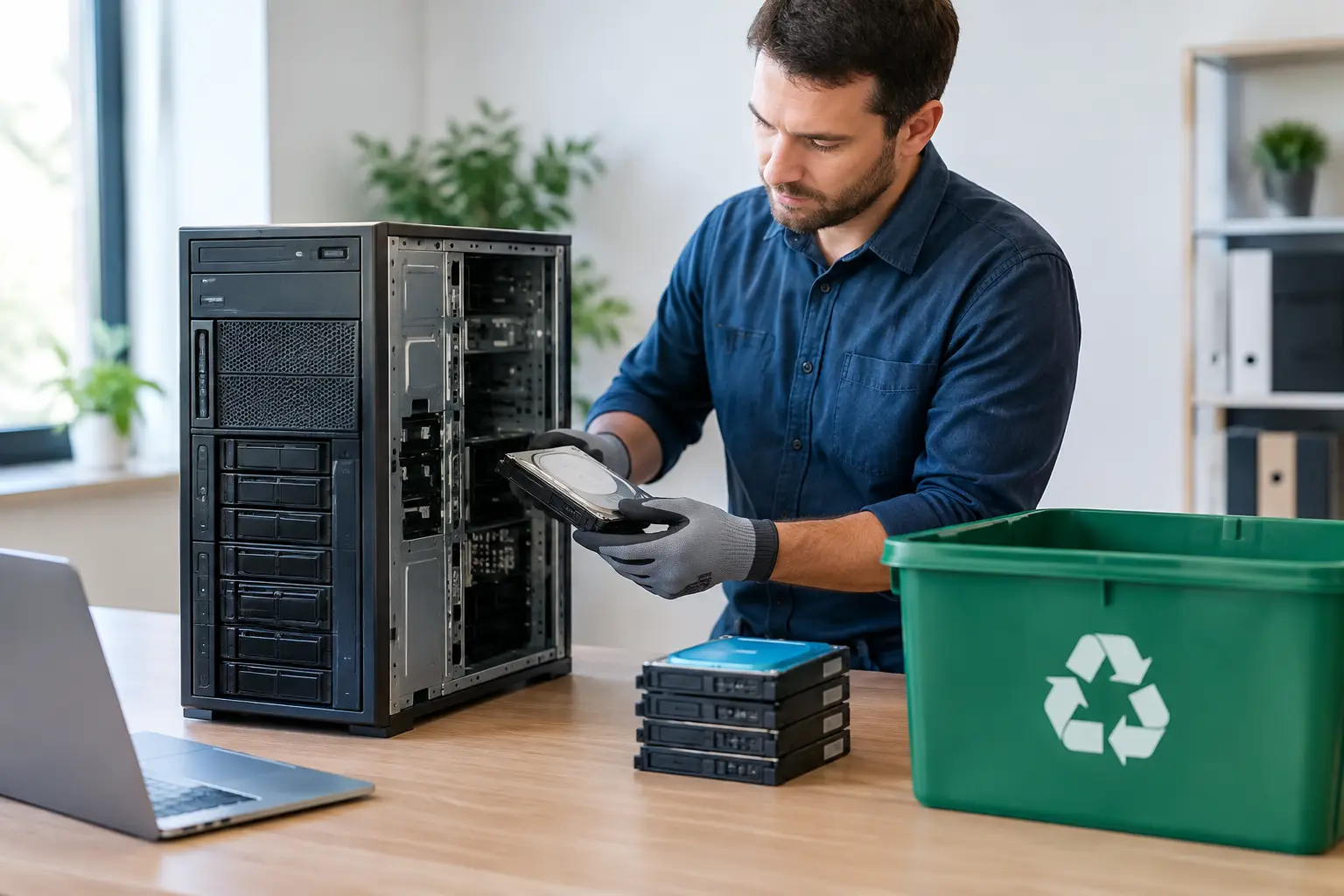
Ask the provider what they do with hard disk drives and other storage media. Depending on the device condition and your requirements, suitable options may include verified data wiping or physical destruction support. A service that offers DoD 5220.22-M 3-pass data wiping should be able to explain that the process overwrites data across multiple passes before the device moves into the recycling stream.
There is a trade-off here. Data wiping can be appropriate when equipment may be reused or processed further, while physical destruction may be preferred for damaged drives or higher-risk assets. The right choice is not always the same for every item. What matters is that the provider helps you identify the storage risk rather than treating every device as ordinary scrap.
2. Pickup is documented, not informal
Convenience matters, especially when you have bulky desktop computers, racks of old network equipment, printers, or multiple boxes of office electronics. But pickup should not mean handing over equipment with no record of what left your premises.
A dependable recycler should provide proof of collection or documented pickup details. For businesses, this creates a basic chain of accountability: your team knows what was collected, when it was removed, and which service handled it. For households, it offers reassurance that devices were transferred to an identifiable provider rather than an unknown buyer.
The documentation does not need to be overly complicated for a small residential collection. Larger business collections, however, may need more detail, particularly when assets are assigned to departments or contain company information. Discuss this before the pickup is scheduled, not after equipment has already been removed.
3. The provider recognizes more than just computers
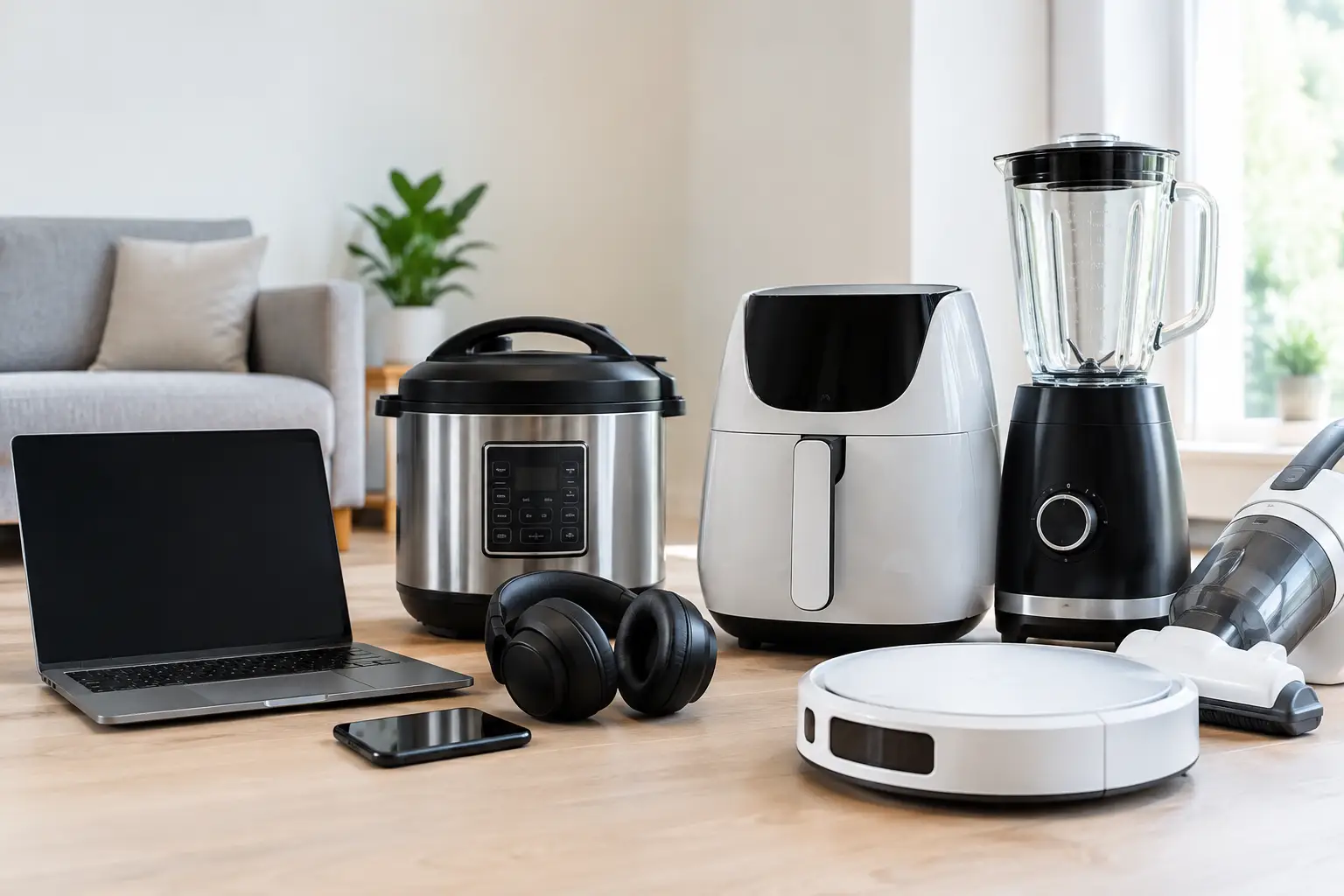
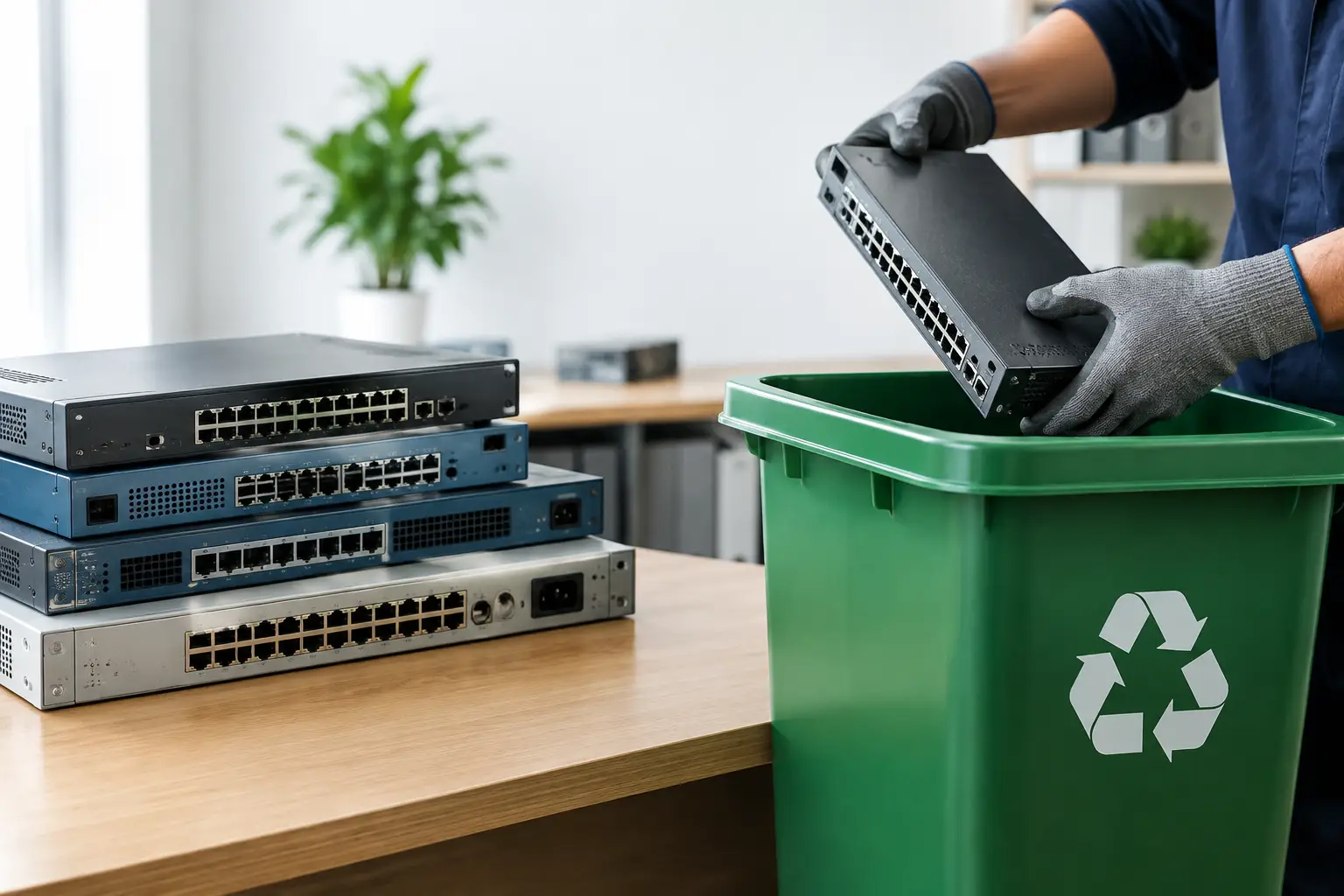
A meaningful review should consider the range of equipment a recycler can handle. Businesses often have a mixed collection of retired IT assets: laptops, desktops, monitors, servers, switches, routers, keyboards, cables, docking stations, and office equipment. Households may have phones, tablets, chargers, small electronics, and outdated peripherals alongside a computer.
A service with IT handling experience is generally better positioned to identify data-bearing devices within a mixed pickup. For example, a server, network-attached storage unit, or office copier may require more attention than a keyboard or monitor. The point is not that every item needs the same level of security. It is that the provider knows which items do.
Before booking, send a clear list of equipment where possible. Include the number of computers, laptops, drives, servers, and any unusually large items. This helps the recycler plan the pickup properly and gives you a chance to confirm whether special handling is needed.
4. Device handling feels organized from the first conversation
You can often assess a recycler before collection day. Are they responsive when you ask what they accept? Do they ask sensible questions about quantities, device types, access conditions, or data requirements? Can they arrange a pickup window that works for your office or home?
Professional handling begins before the vehicle arrives. Clear coordination reduces the chance of devices being left in unsecured common areas, forgotten in a loading bay, or mixed with general waste. For businesses, it also helps minimize disruption to staff and daily operations.
Be cautious if a collector focuses only on resale value or weight while avoiding questions about data, records, and processing. Pricing and recoverable material may be part of electronics recycling, but they should not be the only conversation when retired IT equipment is involved.
5. Downstream recycling is treated as a responsibility
Electronics contain materials that should not be discarded with regular household waste. A responsible collection service should coordinate with licensed recyclers for downstream processing rather than presenting disposal as a vague final step.
This matters because responsible recycling protects more than the environment. It also helps ensure equipment moves through an accountable disposal route after collection. A provider should be comfortable describing their role in that process, including how they manage pickup, data-related services, and handover for recycling.
You do not need a technical lecture on every component inside a laptop. You do need confidence that your equipment is not being abandoned, dumped, or handled carelessly after it leaves your property.
Questions worth asking before you book
A short conversation can reveal whether a service suits your needs. Ask whether they collect from your location, what equipment they accept, how they identify data-bearing devices, and what documentation is available after pickup. If you are disposing of business equipment, ask whether they can verify IT assets and support your preferred data disposal method.
It is also sensible to ask about access. Are there stairs, limited parking, a building management procedure, or a large quantity of equipment? Sharing those details upfront helps avoid delays and allows the collection team to arrive prepared.
For devices you still use, back up any files you need before collection. Sign out of accounts where possible and remove SIM cards or memory cards from phones and tablets if you intend to keep them. These steps are useful, but they are not a substitute for a professional data-handling process for retired storage devices.
When a local pickup service is the better option
Transporting old electronics yourself may work for one small item, but it becomes impractical when you have multiple devices, heavy monitors, servers, or a full office refresh to manage. A scheduled pickup service can reduce handling, save staff time, and keep devices under more controlled care from the point they leave your premises.
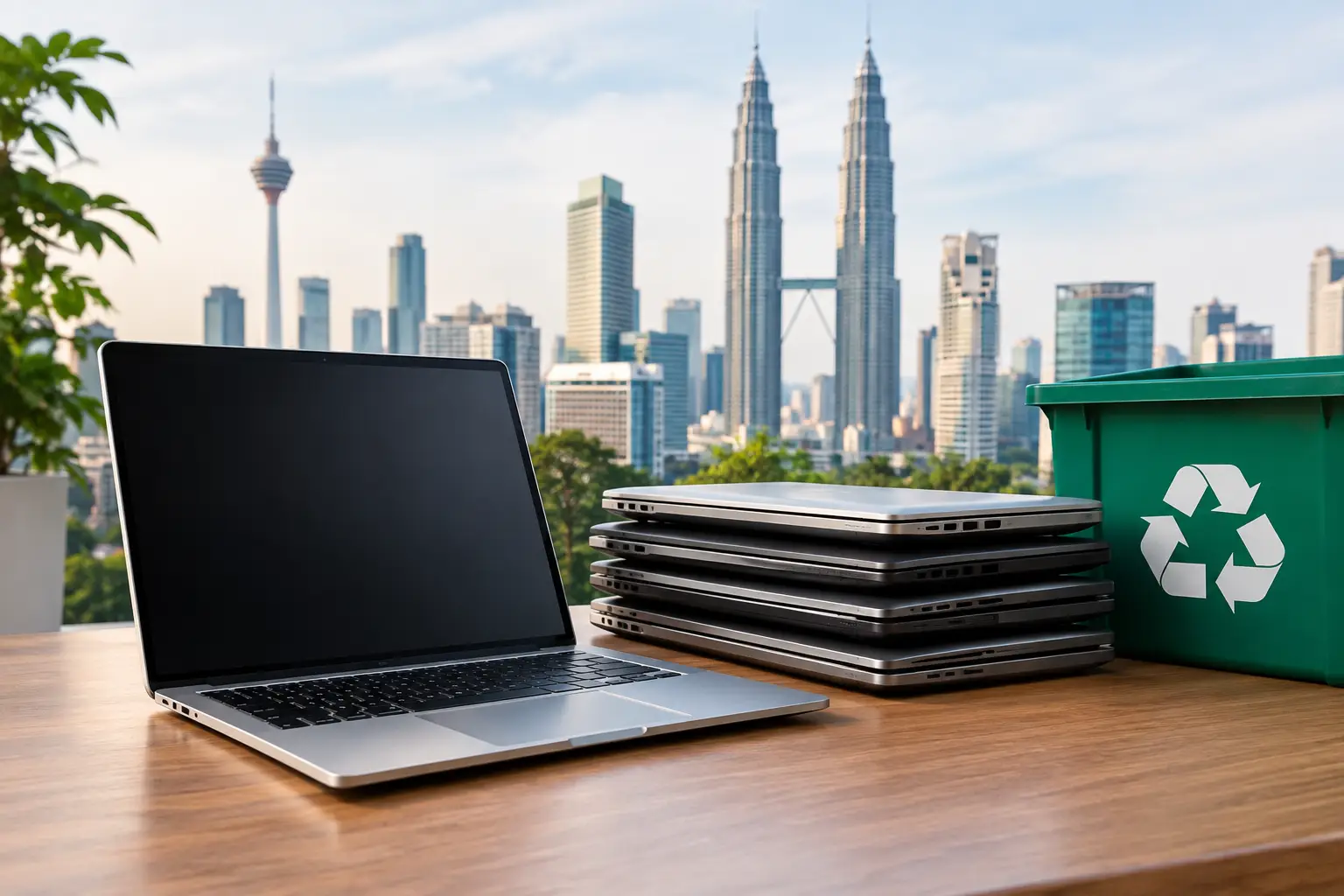
For customers in Kuala Lumpur and Selangor, a local provider such as MYPC2U can be particularly useful when convenience needs to sit alongside secure handling, documented pickup, and IT-aware disposal support. The value is not just removal of unwanted equipment. It is knowing that the removal follows a process designed for technology assets rather than general scrap.
The most useful closing test is simple: if you would hesitate to hand a device to a stranger because of what might be stored on it, choose a recycler that can explain exactly how it will be collected, protected, and processed.

Leave a Reply