
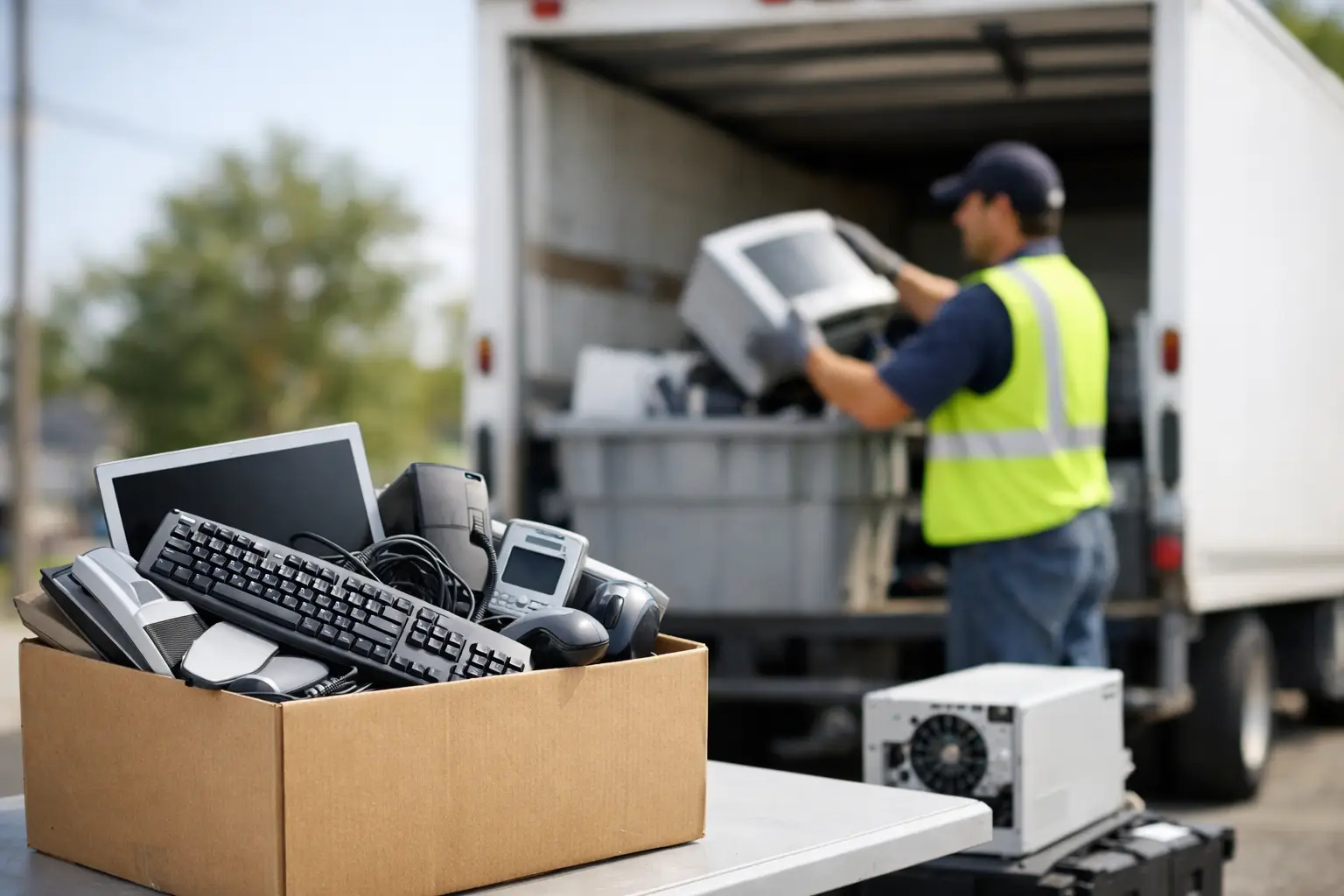
That old laptop in the closet and the stack of office monitors in your storeroom usually sit there for the same reason – nobody wants to guess their way through disposal. If you are wondering how to schedule e-waste pickup, the process is simpler when you know what the recycler needs, what devices they accept, and how to prepare anything that may still hold personal or business data.
For households, the goal is usually convenience and peace of mind. For businesses, it is often about coordination, documentation, and secure handling. In both cases, a pickup service works best when it is treated as more than a junk removal call. Electronics are different. They may contain storage media, licensed software, internal batteries, or sensitive company records. That is why it helps to choose a provider that handles e-waste with IT awareness, not just transport capacity.
How to schedule e-waste pickup without delays
The fastest way to arrange pickup is to gather the basic details before you contact the service provider. Most delays happen when the list of items is unclear, the pickup location has access restrictions, or customers are not sure whether they need data destruction support.
Start with a simple item count. You do not need a perfect inventory for a small household load, but you should know the general categories. For example, note whether you have laptops, desktop computers, monitors, printers, phones, routers, servers, or loose hard drives. If you are a business, a more detailed asset list is helpful because it allows the recycler to plan loading, verify quantities, and prepare any documentation you may need.
Next, check the pickup address and access conditions. A ground-floor home pickup is different from collecting server units from an office tower with freight elevator booking, loading bay rules, or security check-in procedures. Sharing these details early makes scheduling easier and avoids failed collection attempts.
You should also mention whether any devices still store data. That includes desktops, laptops, external drives, NAS units, servers, and even some multifunction office equipment. If data security matters, say so upfront. A professional provider can explain whether they offer data wiping, storage device handling, or support for hard drive destruction records.
Once those basics are clear, request the pickup date and time window. Some customers prefer the earliest available slot. Others need a narrower schedule because they are coordinating building access or internal approvals. The more specific your operational needs, the more important it is to work with a service that treats pickup as a managed process rather than a casual collection.
What information to prepare before booking
If you want the booking to go smoothly, prepare four things before you call or message: what you have, where it is, whether it contains data, and whether you need proof of collection.
For homes, that may be as simple as saying you have two laptops, one broken printer, three phones, and a monitor. For a business, it may mean listing 18 desktops, 22 LCD monitors, four network switches, two servers, and a box of old hard drives. You do not need to overcomplicate it, but clear numbers help the recycler assign the right team and vehicle.
Photos can help when the load is mixed or bulky. They are especially useful for old office equipment, rack-mounted devices, or items stored in tight spaces. If the provider can see the volume in advance, they can confirm whether one trip is enough.
If you are booking on behalf of a company, decide who the contact person will be on pickup day. That person should know what is being released and have authority to confirm counts or sign collection records. This small step prevents confusion when equipment is stored across several rooms or departments.
What can usually be collected during e-waste pickup
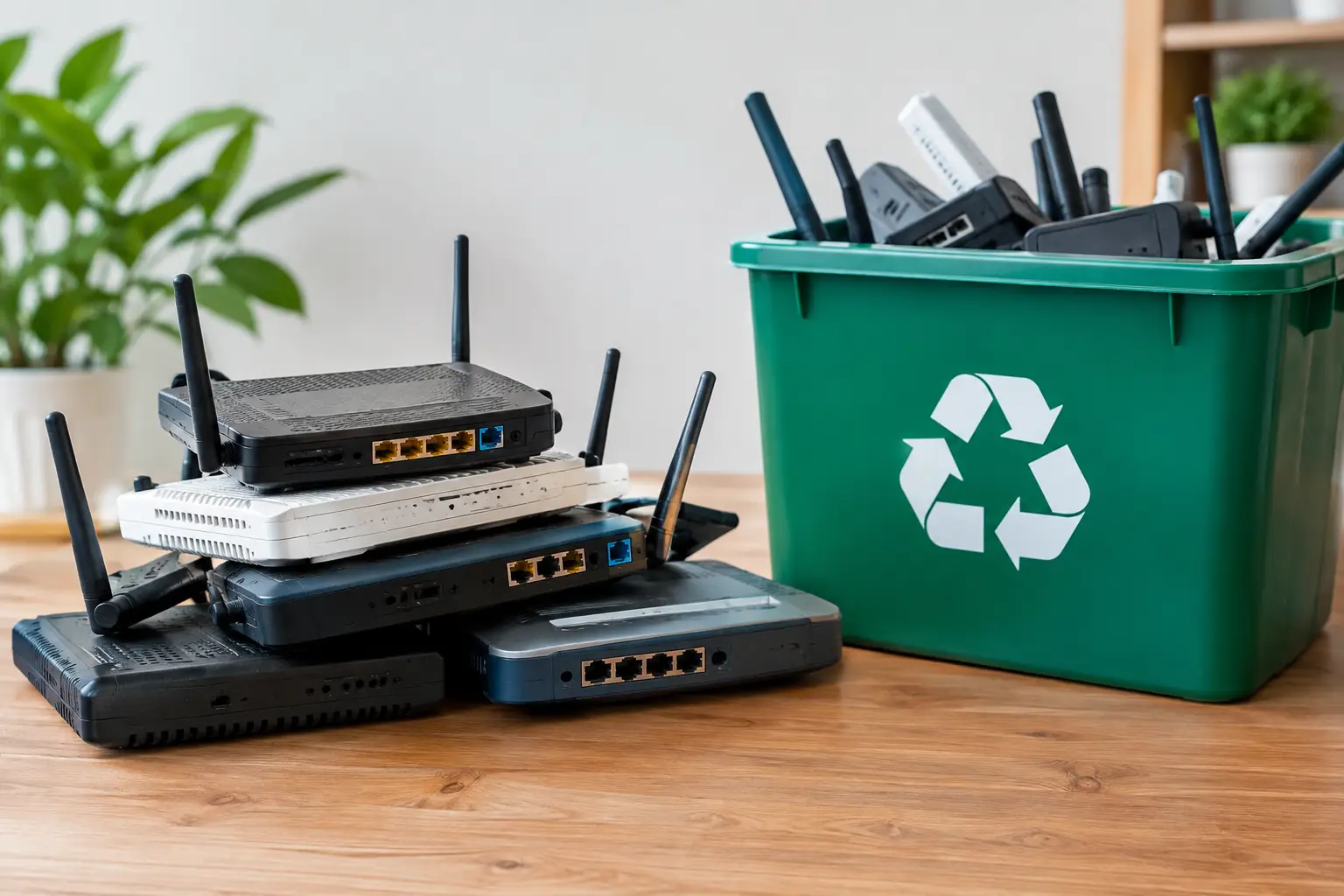
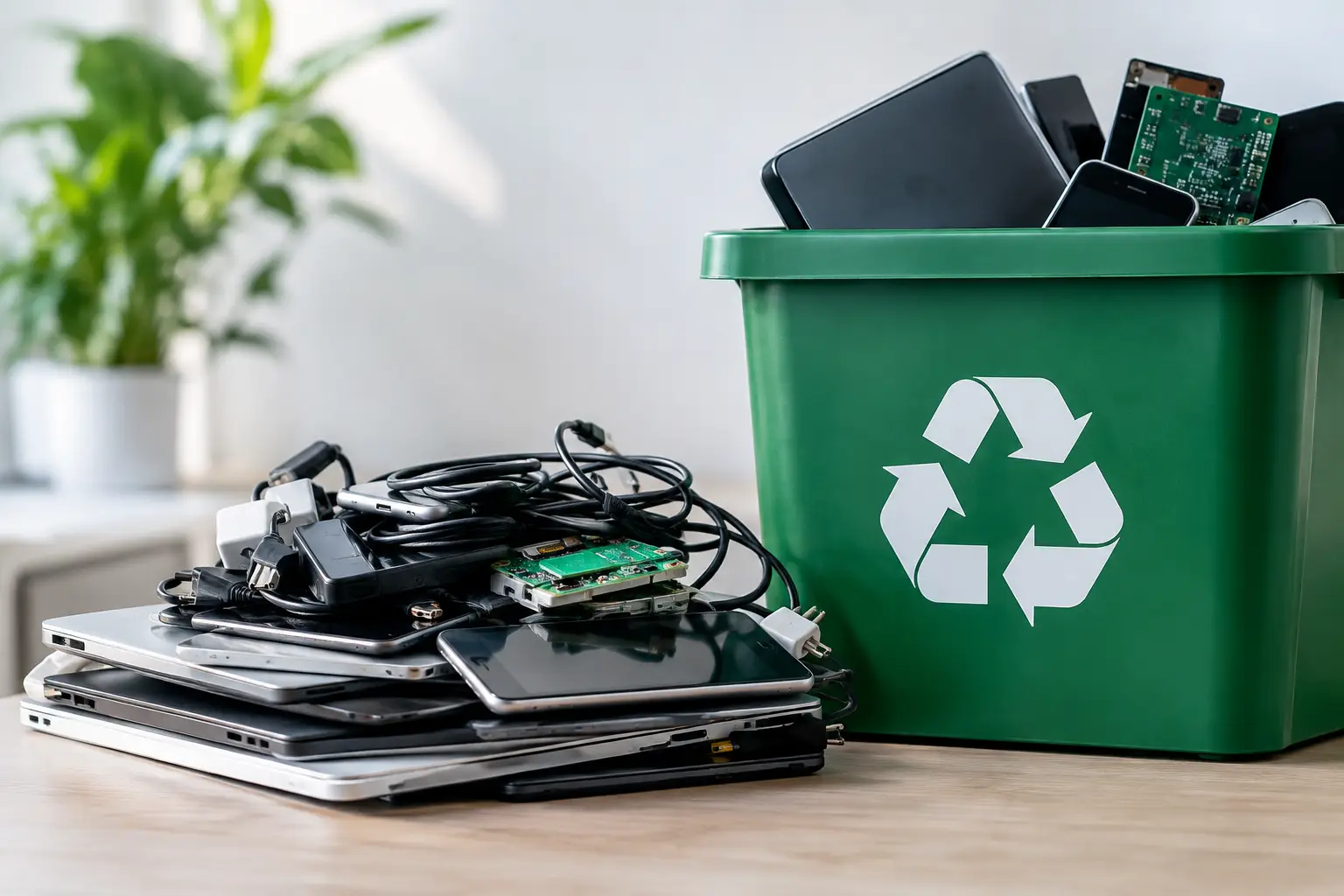
Most e-waste pickup services focus on common electronics such as computers, laptops, monitors, phones, printers, tablets, servers, networking hardware, and office IT equipment. Smaller devices like keyboards, mice, adapters, and cables may also be accepted, especially when collected together with larger items.
The exact acceptance list depends on the provider. Some take a broad range of electronics but do not handle large household appliances. Others specialize in IT asset disposal and may be strongest when dealing with devices that contain storage media or business data.
That is why it is worth asking in advance instead of assuming everything electronic qualifies. A household customer may have a mix of old phones, broken laptops, and one desktop tower. A business might need removal of workstations, access points, UPS units, and retired hard drives. The service should confirm what fits their collection scope and whether any items need special handling.
Data security matters more than most people think
One reason people hesitate to dispose of electronics is simple: they know the device is old, but they are not fully sure what is still inside it. Family photos, tax documents, saved passwords, employee records, customer files, and internal emails can remain on storage devices long after the equipment stops being useful.
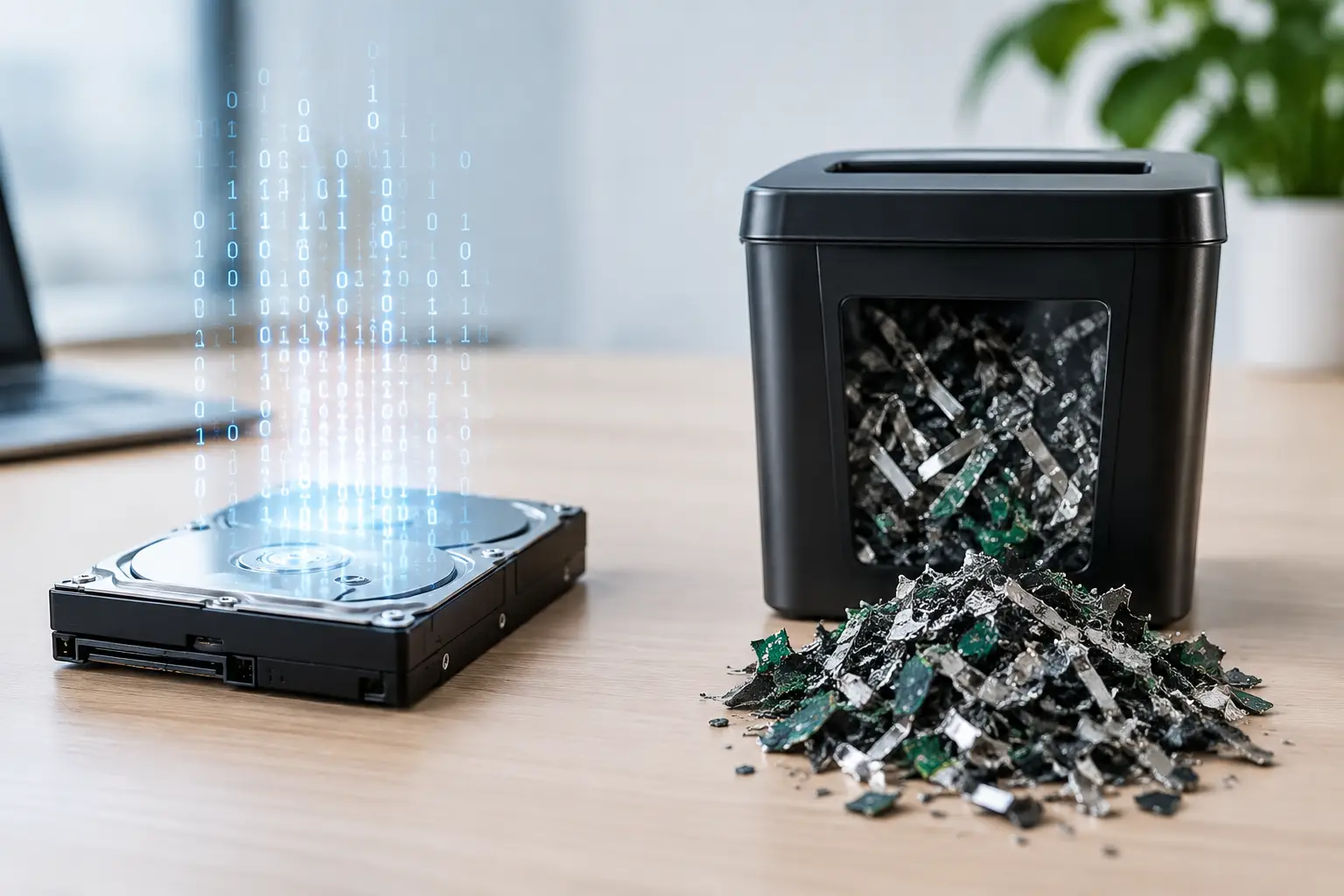
If you are learning how to schedule e-waste pickup for computers or office electronics, ask about data protection before pickup day. A professional provider should be able to explain their process in plain language. That might include secure handling, data wiping standards, or support for hard drive destruction. For many customers, this is the line between ordinary scrap collection and a more trustworthy disposal service.
There is also an important trade-off here. If a device still works and you want a chance of reuse, data wiping may be the right path. If the drive is damaged or the information is highly sensitive, physical destruction support may be more appropriate. It depends on the condition of the device, the sensitivity of the data, and what records your household or business wants to keep.
How businesses should plan e-waste pickup
Business pickups usually need a little more structure than residential ones. Old equipment is often spread across departments, and someone has to confirm what is approved for disposal. It helps to separate active assets from retired ones before the collection team arrives.
If your company has inventory records, compare them to the actual devices set aside for pickup. This reduces disputes later and helps with internal sign-off. It also makes it easier to request asset verification or pickup documentation if your finance, IT, or admin team needs a clear handoff record.
Timing matters too. Some businesses prefer after-hours collection to avoid disrupting staff. Others want daytime pickup so internal teams can supervise the release of devices. Neither approach is automatically better. After-hours pickup may reduce interruptions, while business-hours pickup often makes verification easier.
For offices in shared buildings, do not forget the practical details. Elevator reservations, loading dock access, parking rules, and security registration can easily become the biggest source of delay. A good pickup plan is not just about the equipment. It is about getting that equipment out of the building efficiently and with proper oversight.
How households can make pickup easier
Residential pickup is usually more straightforward, but a little preparation still helps. Gather small devices into one area so nothing gets missed. If chargers, accessories, or external drives belong with a laptop or phone, keep them together unless the recycler tells you otherwise.
You do not need to clean every item like you are selling it, but make sure devices are accessible and safe to carry. If a desktop is under a study desk or a printer is packed into a storage shelf, moving it into a clear pickup area can save time on collection day.
If you are unsure whether an item has data storage, ask. Many people remember to worry about laptops and forget about old external drives, all-in-one desktops, or office printers with internal memory. When in doubt, mention it.
Choosing the right pickup provider
Not every e-waste pickup service offers the same level of care. Some are mainly transport operators. Others are set up to support secure IT disposal with documented handling. If your devices are purely low-risk household electronics, a basic collection service may seem enough. But if you have computers, storage media, or office assets, the service standard matters a lot more.
Look for clear communication, realistic scheduling, and a provider that can explain what happens after pickup. Documentation, secure data wiping options, and professional handling are not extras for many customers. They are the reason to book pickup in the first place.
This is where a service like MYPC2U fits naturally for homes and businesses that want both convenience and accountable handling. Pickup is easier when the team understands electronics as assets, not just as scrap.
What happens after you schedule e-waste pickup
Once the booking is confirmed, most of the work should feel straightforward. You prepare the items, make sure the site contact is available, and keep access clear. On pickup day, the collection team should verify the load, remove the approved items, and provide any agreed record of collection.
After that, downstream handling may include sorting, data wiping support, device processing, and transfer to licensed recycling channels where applicable. You do not need to manage those technical steps yourself, but you should feel comfortable asking how the process is handled.
If there is one useful rule to keep in mind, it is this: schedule e-waste pickup before the pile becomes a problem. A few old devices can turn into a clutter issue, a data risk, or a forgotten office task faster than most people expect. The easiest pickup is the one planned early, with clear information and the right service partner from the start.


Leave a Reply