
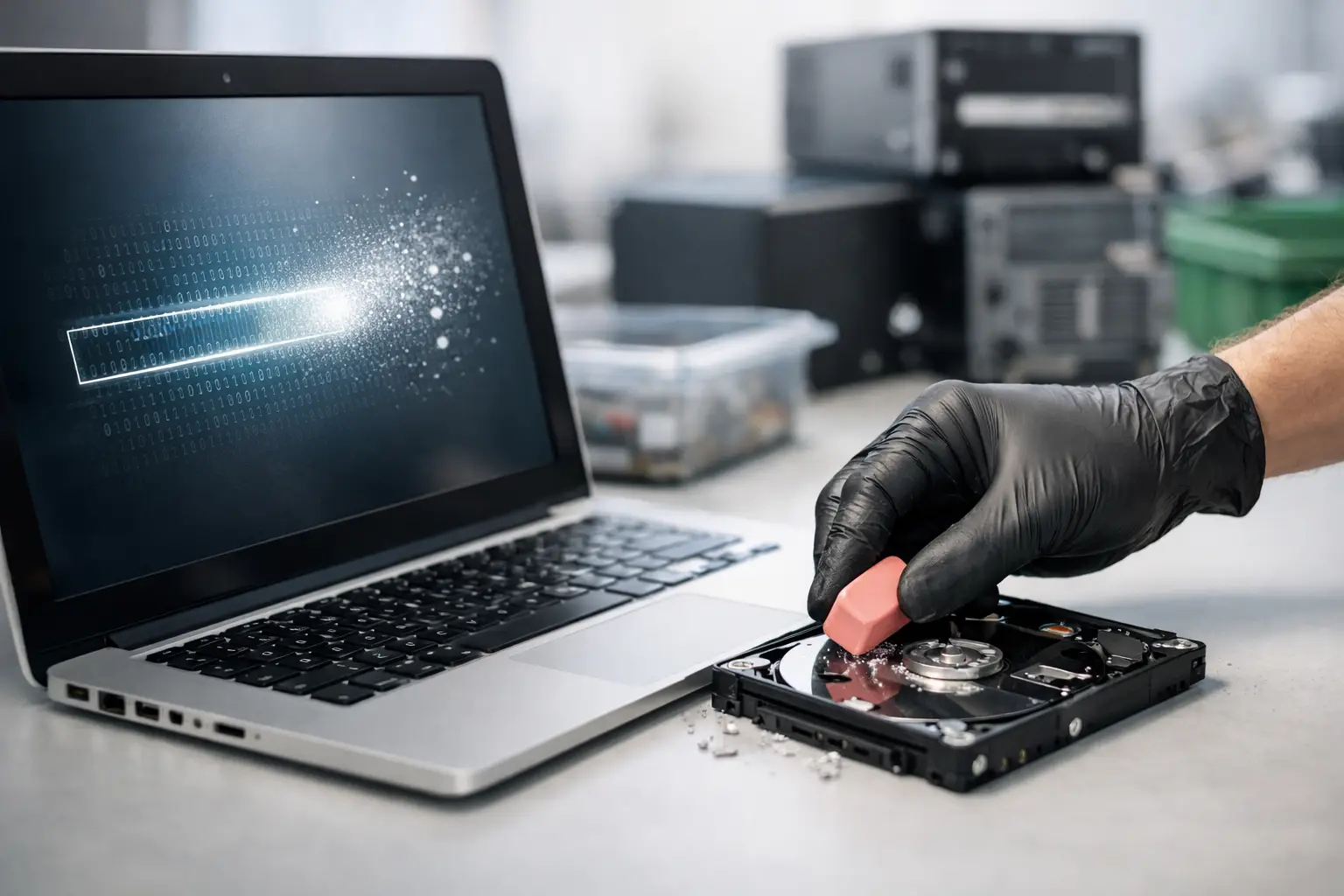
That old desktop in the storeroom might look harmless, but if it still has a drive inside, it may also hold years of passwords, invoices, emails, customer files, browser history, and saved logins. That is why data wiping before recycling computers is not a nice extra. It is the part that protects you before the equipment ever leaves your home or office.
People often focus on the recycling side first. They want the space back, they want broken devices gone, and they want a convenient pickup. All of that matters. But from a risk point of view, the real question is simpler: what is still stored on the device, and who could access it if it is not handled properly?
Why data wiping before recycling computers matters
A recycled computer is not automatically a safe computer. Sending a device to a recycler without clearing the data first can expose far more than most people expect. Even older machines can contain tax documents, scanned IDs, payroll records, HR files, supplier contracts, cloud sync folders, and saved credentials that open other systems.
For households, that risk is personal. Family photos, banking records, school documents, and medical files may still be sitting on a laptop that no longer turns on reliably. For businesses, the impact can be wider. One overlooked office PC can hold customer databases, employee information, internal reports, or access to company email accounts.
This is why professional handling matters. A device should not be treated like general scrap when it still contains a storage drive. Recycling and data security need to happen together.
Deleting files is not the same as wiping a drive
One of the most common misunderstandings is assuming that moving files to the Recycle Bin, formatting the drive, or resetting the computer is enough. In many cases, it is not.
When files are deleted in the usual way, the system often removes the reference to the data rather than fully erasing the data itself. That means information may still be recoverable with the right tools. A quick format can have the same weakness. Even a factory reset may not fully address every storage area, depending on the device, operating system, and how the reset was performed.
Proper data wiping goes further. It uses a controlled process to overwrite the storage media so the original information cannot be easily recovered. This is especially important for desktops, laptops, and servers that have been used for years and passed between staff or family members.
What secure data wiping usually involves
The right approach depends on the device and the type of storage inside it. Traditional hard disk drives and newer solid-state drives do not always behave the same way, and that affects the method used.
For many business and household devices, professional services use recognized overwrite procedures such as DoD 5220.22-M 3-pass wiping where appropriate. The goal is to clear the drive in a documented, deliberate way rather than relying on a quick delete or informal reset.
That said, there is an important trade-off. Not every storage device is a good candidate for software wiping. If a drive is damaged, inaccessible, or failing, the safer option may be physical destruction rather than an attempted wipe. The best providers do not force one method onto every device. They assess what is practical, what is secure, and what can be verified.
Data wiping before recycling computers for households
If you are clearing out a home office, replacing a family laptop, or finally getting rid of old electronics from a spare room, the easiest mistake is assuming older devices no longer matter. In reality, older machines often contain the most forgotten data.
A retired desktop may still have tax returns from several years ago. An old laptop may hold stored passwords in the browser. A non-working computer may still have a healthy drive inside it even if the screen, battery, or motherboard has failed.
For home users, convenience matters, but so does peace of mind. You want to know the device was collected properly, handled by someone who understands what may still be on it, and sent through a process that prioritizes data protection before downstream recycling. That is a very different experience from handing equipment to an unknown buyer or informal scrap collector.
Data wiping before recycling computers for businesses
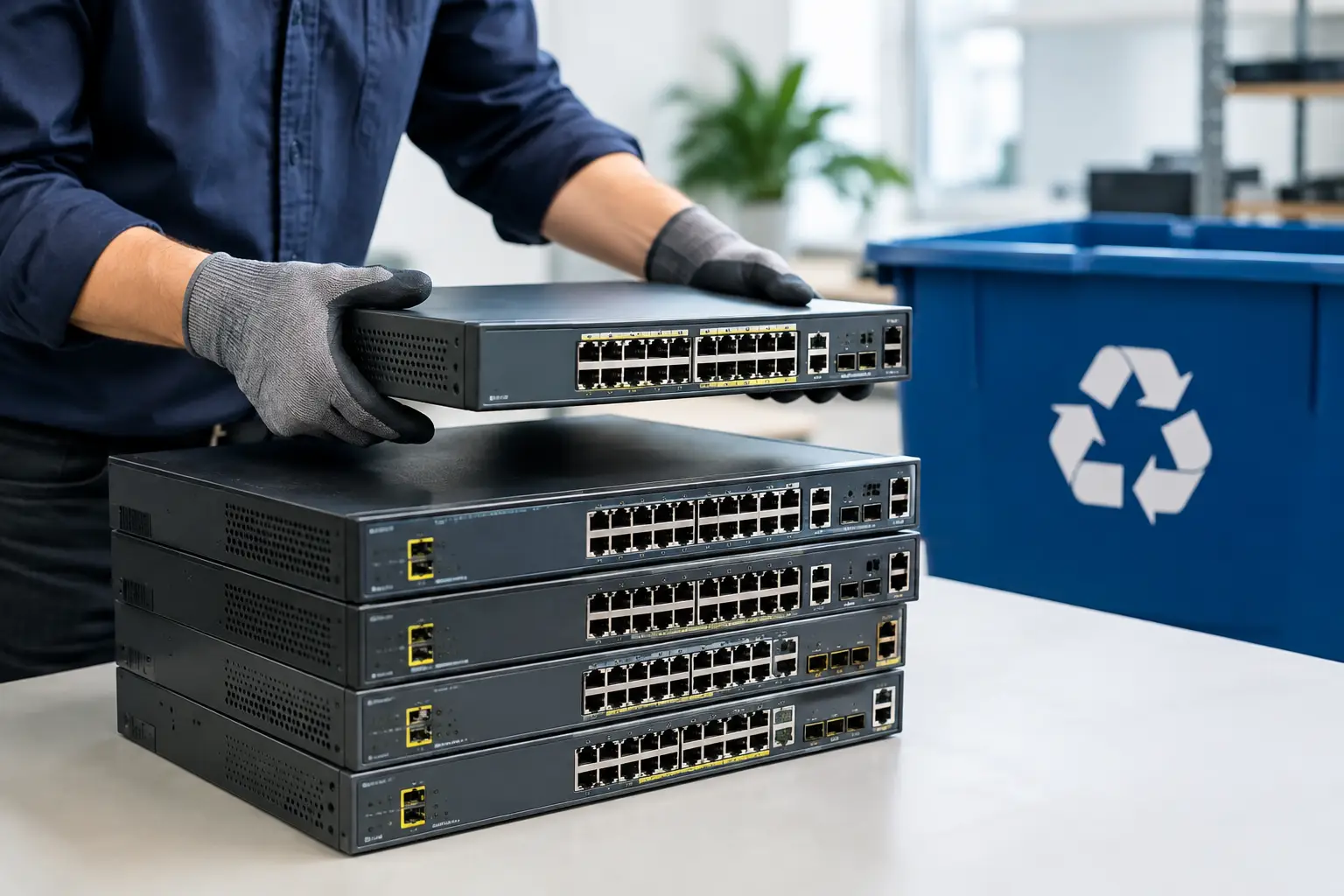
For offices and small to mid-sized businesses, the issue is bigger than clearing space. Old IT equipment is part of your information risk. Every workstation, laptop, server, and external drive may contain business data long after the device is no longer useful.
That is why business disposal should be organized, not improvised. When equipment is removed during upgrades, relocations, staff changes, or storage cleanouts, there should be a process for verifying assets, documenting collection, and deciding whether each device will be wiped or physically destroyed.
This is particularly relevant for office managers and admin teams who are asked to “get rid of the old computers” without a clear disposal plan. The cheapest option is not always the safest one. If there is no accountability, no pickup record, and no confidence in how data-bearing devices are handled, the risk stays with your business.
What to look for in a recycling partner
If a provider talks only about scrap value and not about data handling, that is a warning sign. Computers are not just metal and plastic. They are storage devices first, recyclable material second.
A more reliable service should be able to explain how data-bearing equipment is identified, what wiping standard is used where suitable, when drive destruction is recommended, and what documentation is available. Pickup records also matter. They help create a clear chain from collection to processing, which is especially useful for business customers managing multiple devices.
This is where an IT-aware recycler stands apart from a generic collector. The difference is not just transport. It is knowing what equipment needs extra care, understanding the sensitivity of storage devices, and handling them like assets with risk attached, not just items to haul away.
Common situations where extra caution is needed
Some devices deserve more attention than others. Shared office desktops, executive laptops, finance department computers, HR machines, and retired servers usually carry higher data exposure. The same goes for external hard drives, backup devices, and network-attached storage.
There is also an it-depends factor with devices that no longer power on. People sometimes assume a dead computer means safe data. It does not. In many cases, the storage device can still be removed and read elsewhere. If a machine is damaged or too old to access normally, that is often a reason for stricter handling, not less.
A practical process that keeps risk low
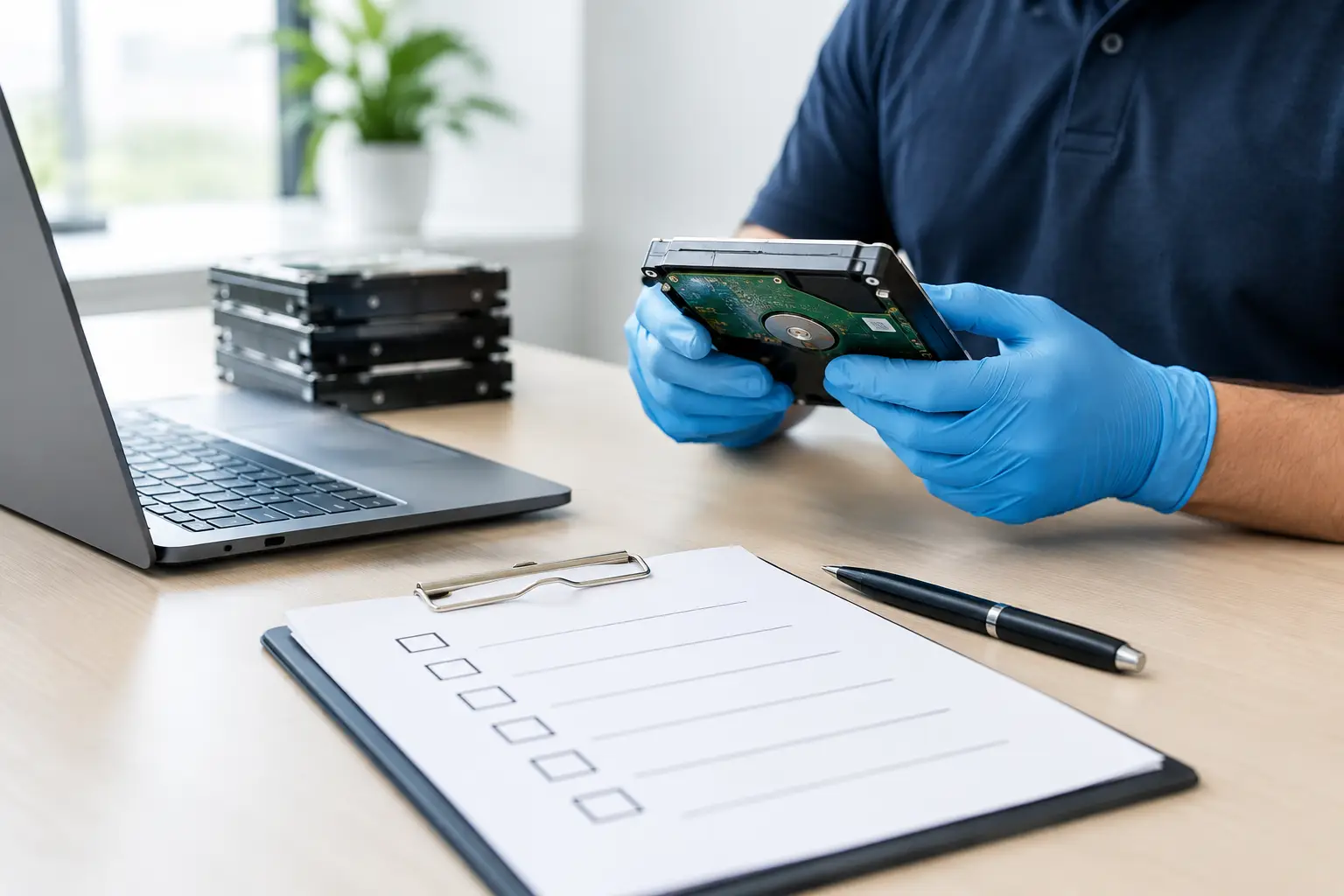
The safest disposal process is usually straightforward. First, identify which devices contain storage. Then separate equipment that can be wiped from equipment that may require destruction due to damage or drive condition. After that, arrange collection through a provider that documents the pickup and handles the devices through a secure workflow.
For businesses, it also helps to keep a basic asset list before collection. You do not need a complex IT register for every disposal event, but knowing which desktops, laptops, or drives are leaving the premises adds control. For households, simply setting aside all old computers, drives, and related equipment for one planned pickup can prevent devices from being forgotten in drawers or cabinets.
Providers like MYPC2U are built around this more careful approach. The service is not just about removing unwanted equipment. It is about collecting it in a way that respects the data risk, supports secure wiping or destruction where needed, and gives customers a more accountable path to recycling.
Recycling is only responsible when the data is handled too
People often think of responsible recycling as an environmental issue alone. It is also a data protection issue. A computer should not leave your possession without a clear plan for the information inside it.
The good news is that this does not need to be complicated. With the right service, data wiping before recycling computers becomes part of a secure, documented disposal process rather than a last-minute worry. If you are clearing out old devices, the smartest move is to treat the data first and the recycling second. That is what turns a simple pickup into real peace of mind.




Leave a Reply